Your Page’s lot post
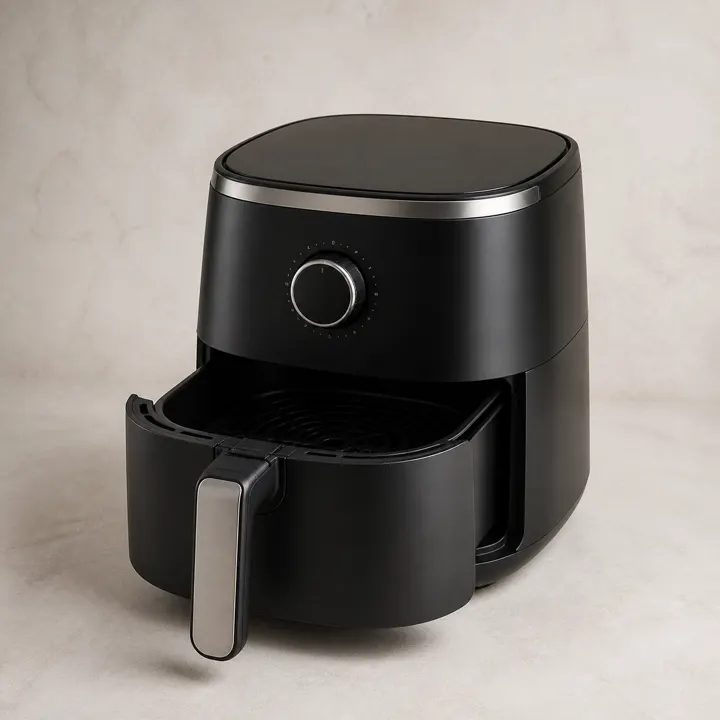
Example Auctions · Sample lot
Countertop air fryer
Comment a number to bid.
Numeric comments become bids. Updates appear as Page comments and replies.

Auction management for your business
Your Facebook audience. Your auction website. Bids on the same lots, with one shared close.
Turn labels into listings. Let AI help with buyer questions. Automatically send payment links and reminders when the bidding ends.
Built and used at Deals Down Under Auctions.
Try a Facebook comment, then a website bid.
Sample lot and bids. Nothing is posted, sent, charged, or entered in a real auction.
Your Page’s lot post
Comment a number to bid.
Numeric comments become bids. Updates appear as Page comments and replies.
The same lot
Browse, save, and bid.
Website buyer leads
Website bids update the auction and generate a lead update on the Facebook post.
Start with “Demo: comment $25” to see both sides change.
Late accepted bids can extend the same closing time for everyone. This example uses a two-minute soft-close window and a $5 increment. Times advance only when you use the demo; they are not a live countdown or a promise of delivery speed. Facebook updates depend on processing and Page permissions.
Meet buyers where they are
Publish a lot to your connected Facebook Page. Buyers bid by commenting a number. GavelFeed replies to accepted bids and posts website lead updates, with a link back to the lot.
There’s no separate GavelFeed registration to comment a bid. Your Page and your audience stay yours.
Search, categories, saved lots, private max bids, and bid history make your inventory easier to shop. Orders and pickup codes stay together in the buyer’s account.
Accepted website bids and Facebook comment bids count toward the same lot. One auction engine manages the bid history, closing time, and winner.
Try it with a real label
FNSKU → ASIN → product details and images from Keepa and other sources → AI listing copy. Try your item and watch the time it takes.
Saved samples use real, dated lookups. Live lookups depend on the product sources; some labels take longer or have no match. Review the match and the actual item before publishing.
Your preview will appear below.
Your back office, your Facebook post, and your buyer’s lot page—all from the same product details.
The product details were found, but the sources did not provide photos. Add your own item photos when listing.
Choose a cover to update all three previews.
Product title
These local notes are for your review. They don’t change the sample post or create a listing.
Listing copy
Add your own item photos when listing.
The same details, presented as a lot page. Try the photo arrows.
Demo only. No live bids or countdown.
From winning bid to pickup
Payment links and reminders go out automatically, so your team can spend less time chasing winners.
At close, GavelFeed automatically sends winners their private payment link, with one combined Square checkout for multiple wins. Links reach Facebook buyers in Messenger, and website buyers by email and opted-in text.
GavelFeed automatically sends a payment reminder four hours before the deadline. If a winner does not pay, the system can offer the lot to the underbidder. Strikes and blocks help manage repeat non-payers.
Receipts carry a pickup code and barcode. Pickup deadlines start when the buyer pays. GavelFeed automatically sends pickup reminders and overdue notices, while your team handles ID and card-name checks at the counter.
Upload a manifest, scan against it, and track the extras. See cost, listed, sold, and remaining inventory per load. Manage buyer’s premiums, sales tax, and exemption certificates.
An assistant on the floor
The assistant answers buyer questions in comments, Messenger, and supported text conversations using the lot, your rules, and that buyer’s order. Alongside it, GavelFeed handles max bids and automatically sends payment links and reminders. Anything that needs your judgment goes to your team.
How the AI works →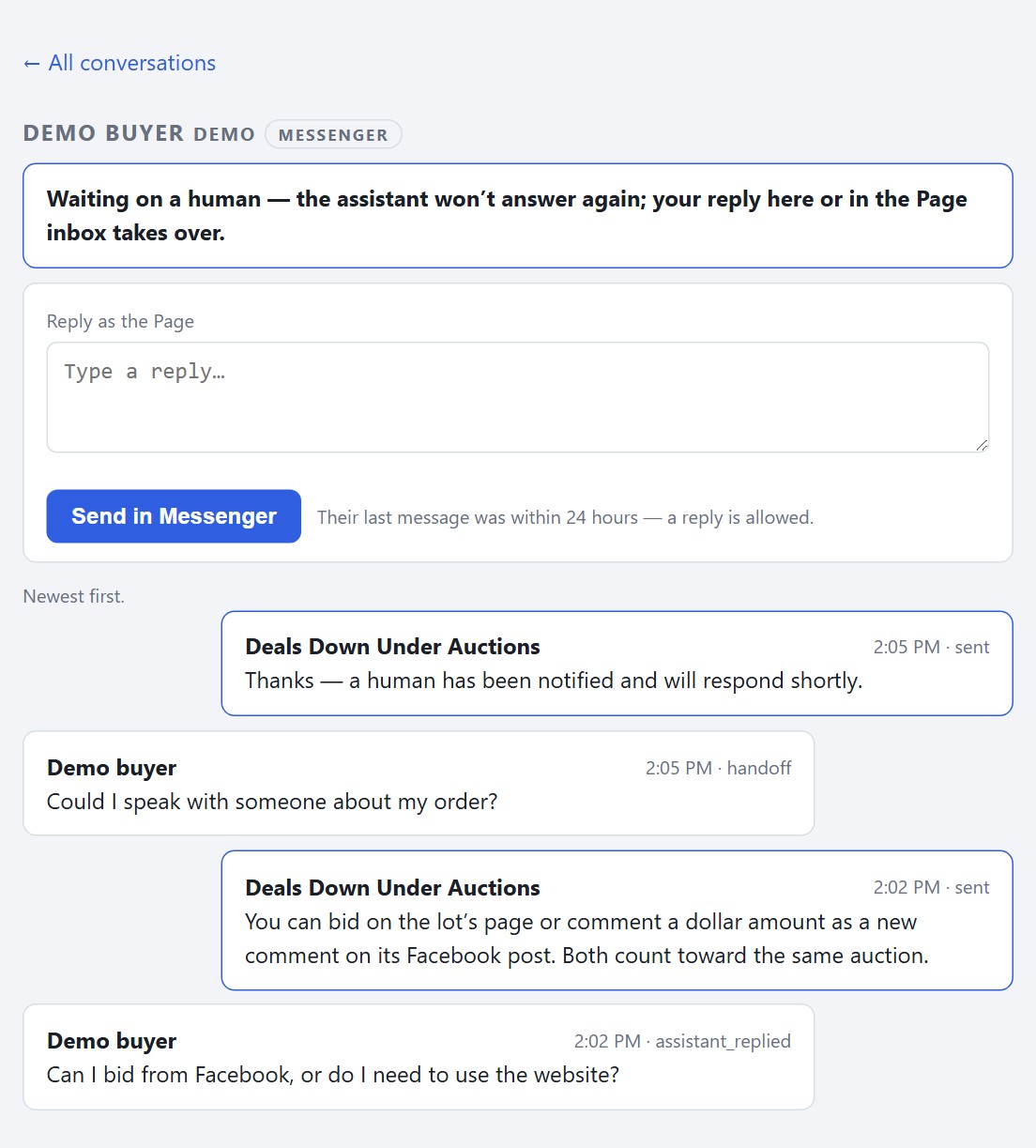
Built on the auction floor
A real GavelFeed auction. Inventory and bids change through the day.
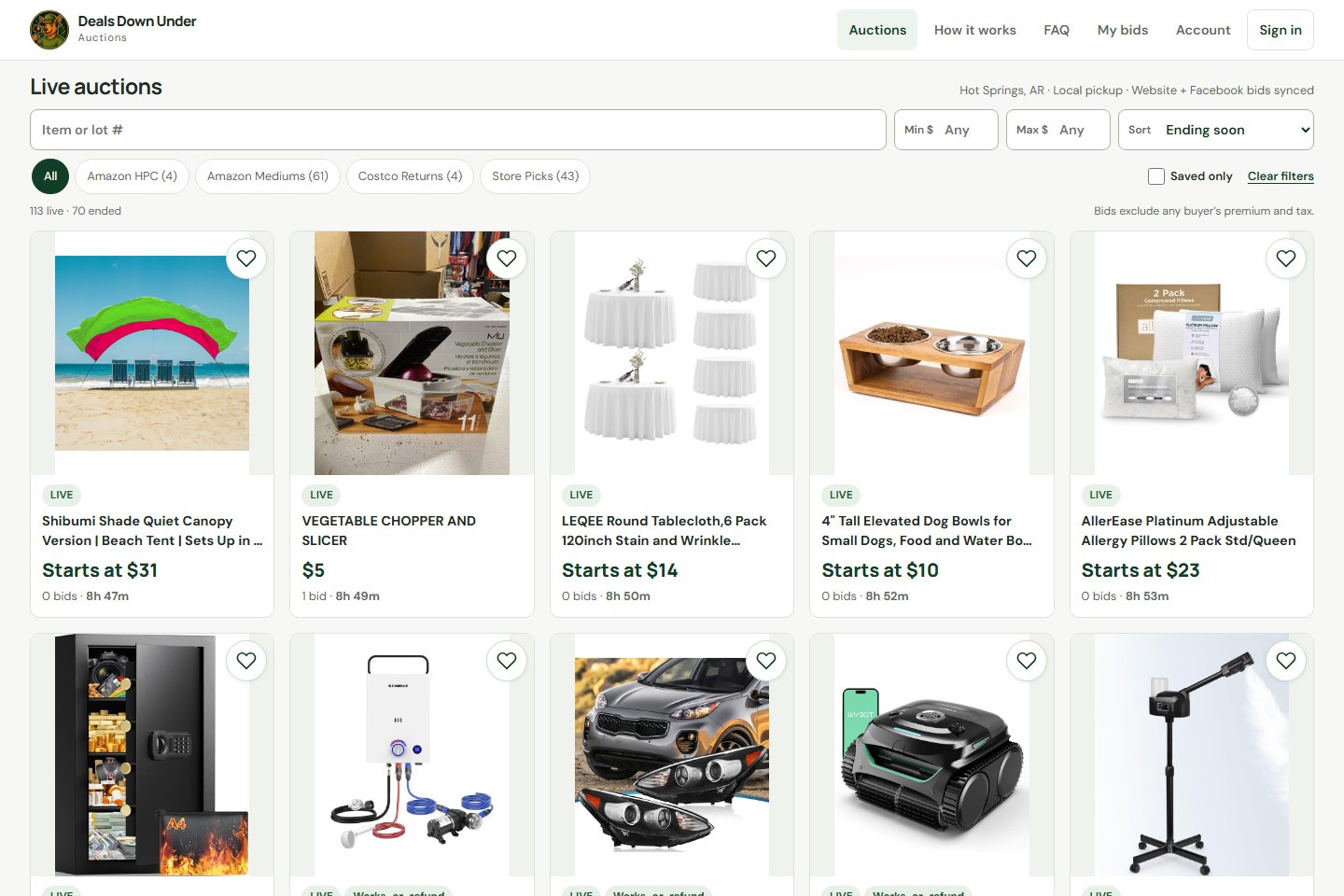
Before we talk
Buyers can comment a bid using their Facebook account without a separate GavelFeed registration. Website bidders create an account with their name, email, phone number, and password to save lots, place private max bids, and manage orders.
GavelFeed automatically sends a payment reminder four hours before the deadline. When payment expires, the system can offer the lot to the next bidder and apply a non-payment strike. Your team can review exceptions and manage bidder blocks.
Buyers pay through Square checkout connected to your business’s Square account. Your business receives the payments; GavelFeed tracks payment status and connects it to pickup. We’ll walk through your setup in the demo.
Yes. You connect your business’s Page and grant the permissions needed to publish lots and manage auction conversations. Your Page and audience stay yours.
Request a demo and pricing for your lot volume and setup. We’ll explain the costs before you decide.
Bring your auction together
Tell us a little about your operation. We’ll show you connected bidding, the AI assistant, and the listing workflow, then walk through pricing for your business.
Prefer email? auction@gavelfeed.com
Thanks for telling us about your business. We’ll follow up at to talk about a demo and pricing.
Explore a live GavelFeed auction
Website buyer leads at $20. Next bid: $25.